

Run App
Launch the Cybrid Web SDK demo application locally.
Launch the demo app
The demo web SDK requires CORS to be disabled. Launch a new Chrome instance with security features disabled.
macOS:
open -n -a /Applications/Google\ Chrome.app/Contents/MacOS/Google\ Chrome \
  --args --user-data-dir="/tmp/chrome_dev_test" --disable-web-security
Windows:
Create a Chrome shortcut and append to the target field:
-disable-web-security --user-data-dir="C:/ChromeDevSession"Run the app:
npm startWait for the "Compiled Successfully" message, then navigate to http://localhost:4200 in the CORS-disabled Chrome instance.
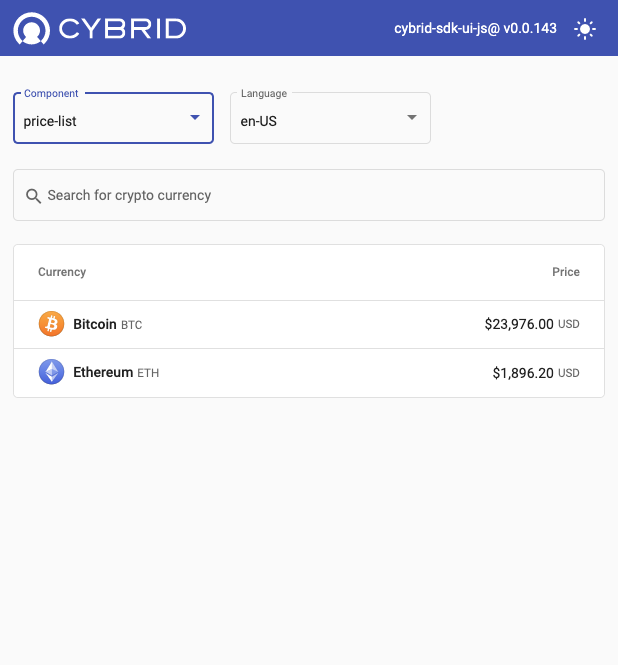
Available components
The demo showcases these web components in English and French:
- price-list
- trade
- accounts-list
- account-history
Toggle between light and dark modes using the icon in the top-right corner.
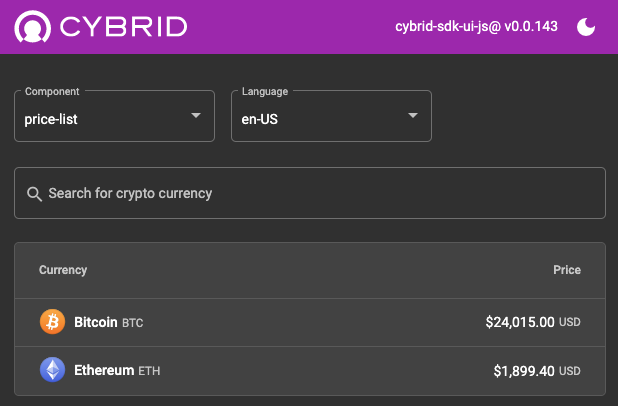
Features to explore
- View real-time crypto asset prices
- Access the customer's account list
- Simulate buying or selling cryptocurrencies
- Review transaction history for a specific account
Updated about 1 month ago
Did this page help you?